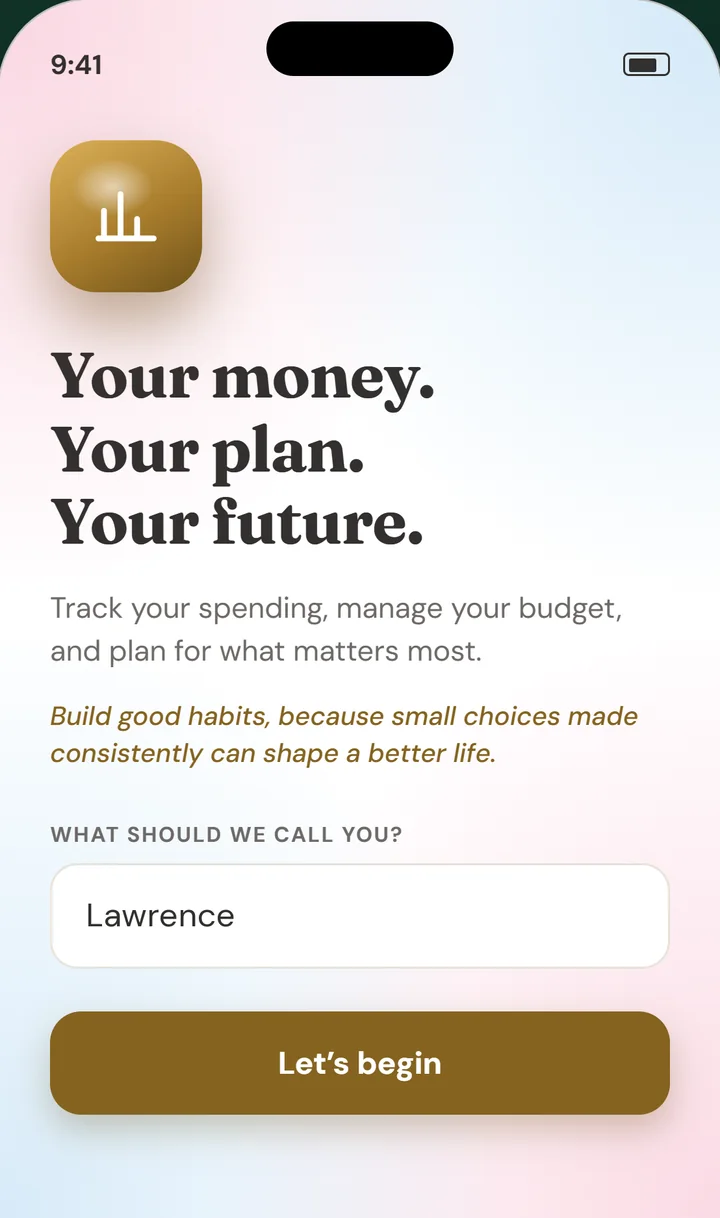
Nothing to sign up for
Type your name, pick your currency, and you are in. There is no email, no password, and no account to lose.
Track your spending, manage recurring transactions, and grow your savings with a calm, effortless app that keeps your finances organized right on your phone.


Budget has no account, no cloud, and no tracking. Your numbers live on your phone, and that is where they stay.
Type your name, pick your currency, and you are in. There is no email, no password, and no account to lose.
Budget never needs a connection to keep your numbers. It works on a plane, in a basement, anywhere.
No trackers and no analytics. Nothing you enter is shared or sold.
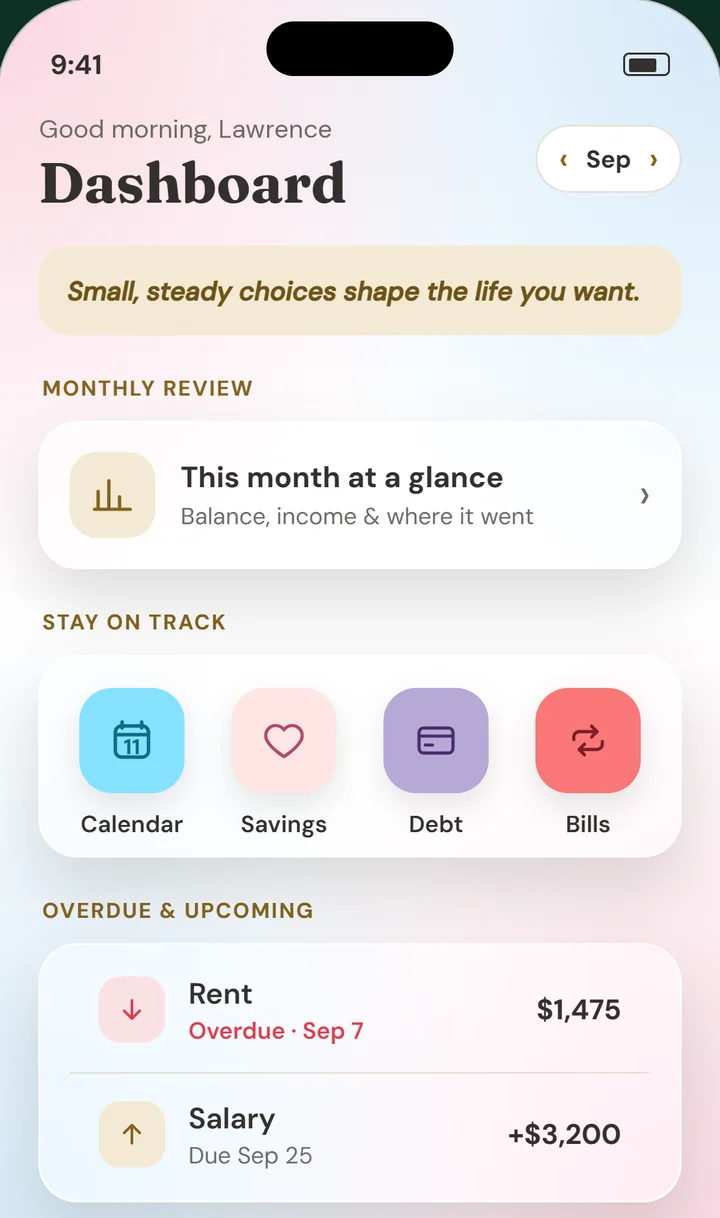
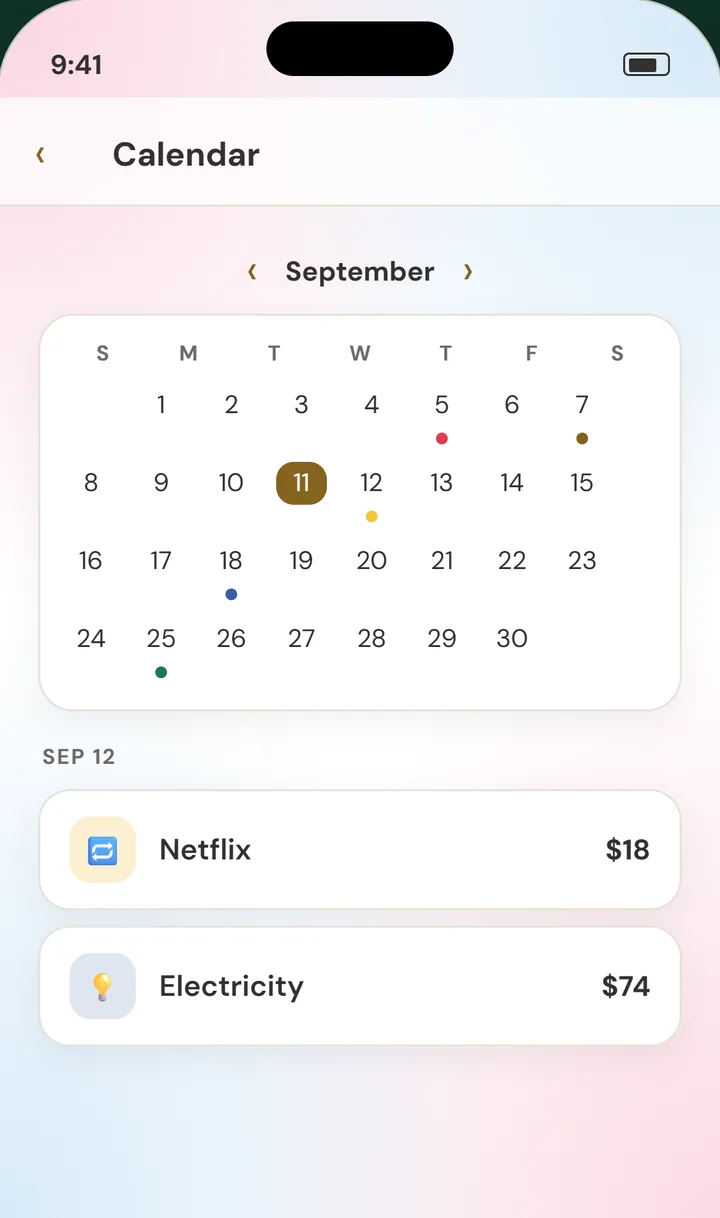
A warm greeting, a kind thought for the day, and what is coming up next. Step to any month with a tap.
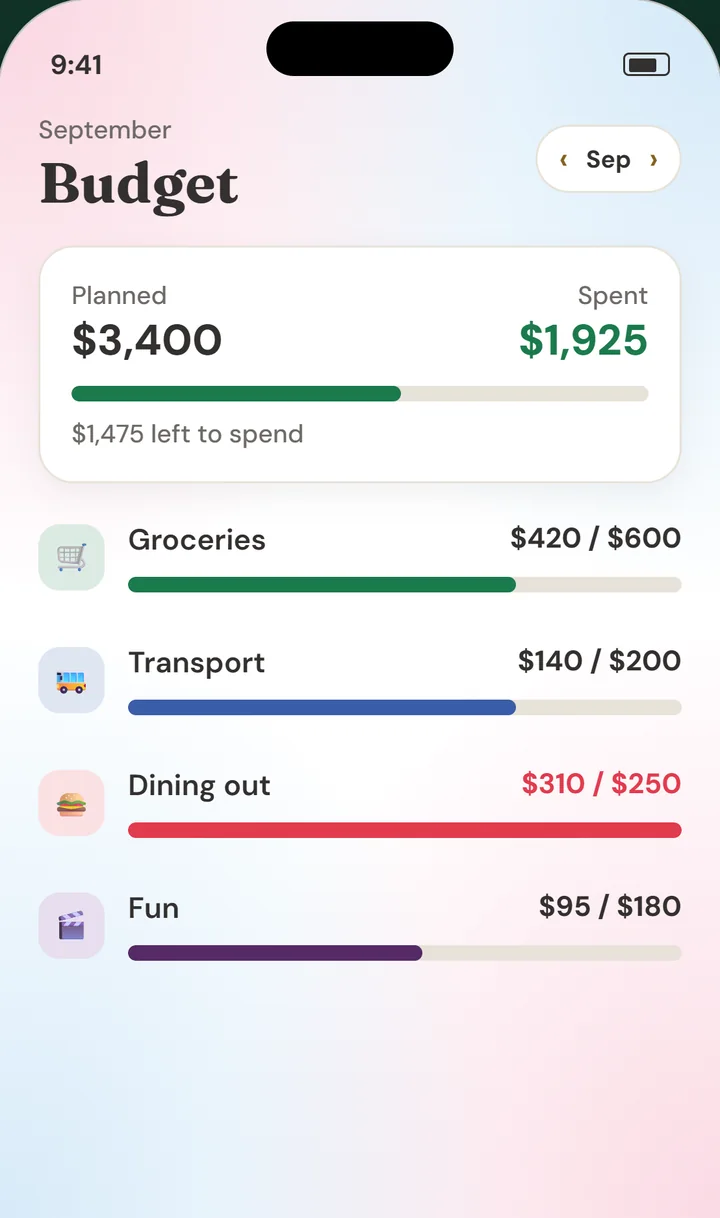
Set a plan for groceries, transport, fun, and anything else. See what is left as you spend through the month.
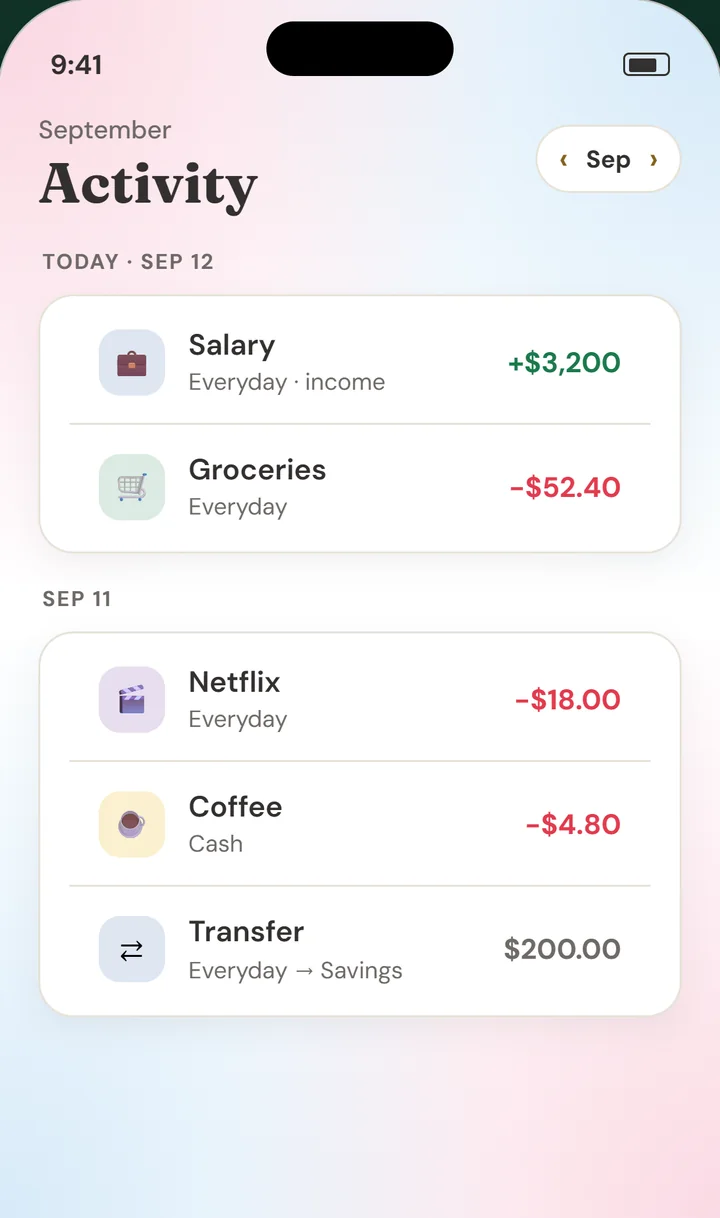
Log an expense, income, or transfer in a few taps. Tap any entry later to change it.
Set up rent, pay, and subscriptions once and they post themselves. Add a reminder and get a gentle nudge the day before.
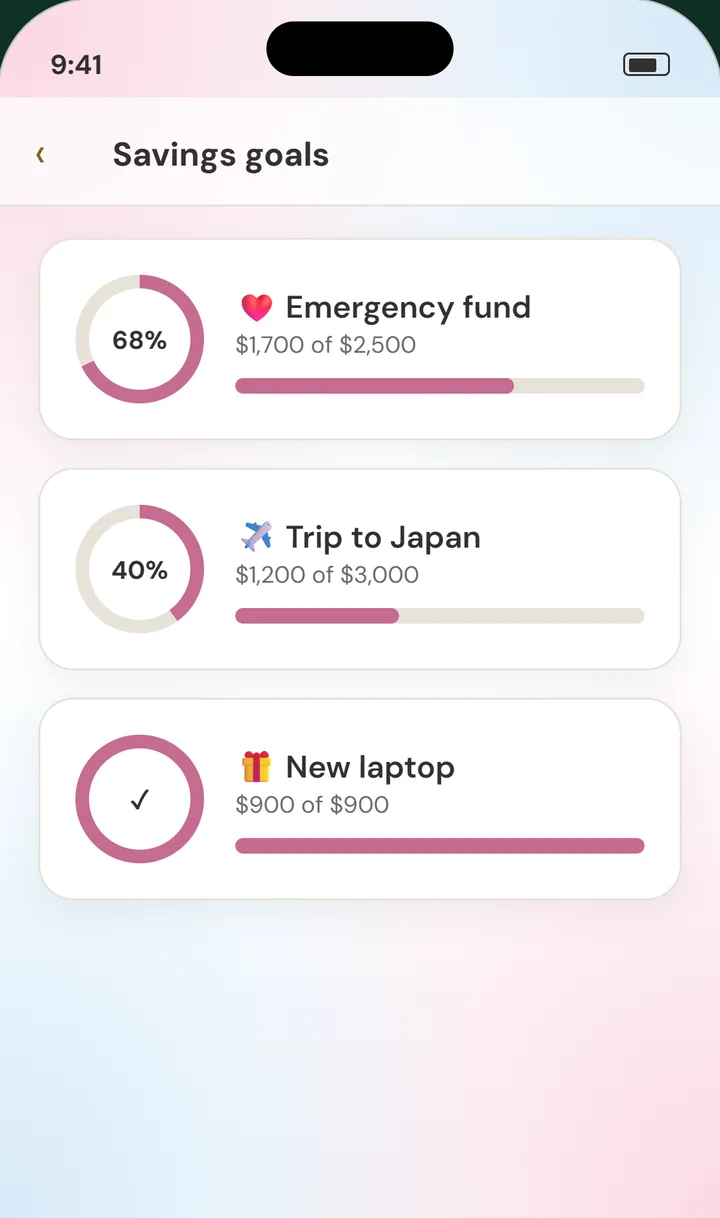
Name a goal, set a target, and add to it whenever you can. Each ring fills a little more as you get closer.
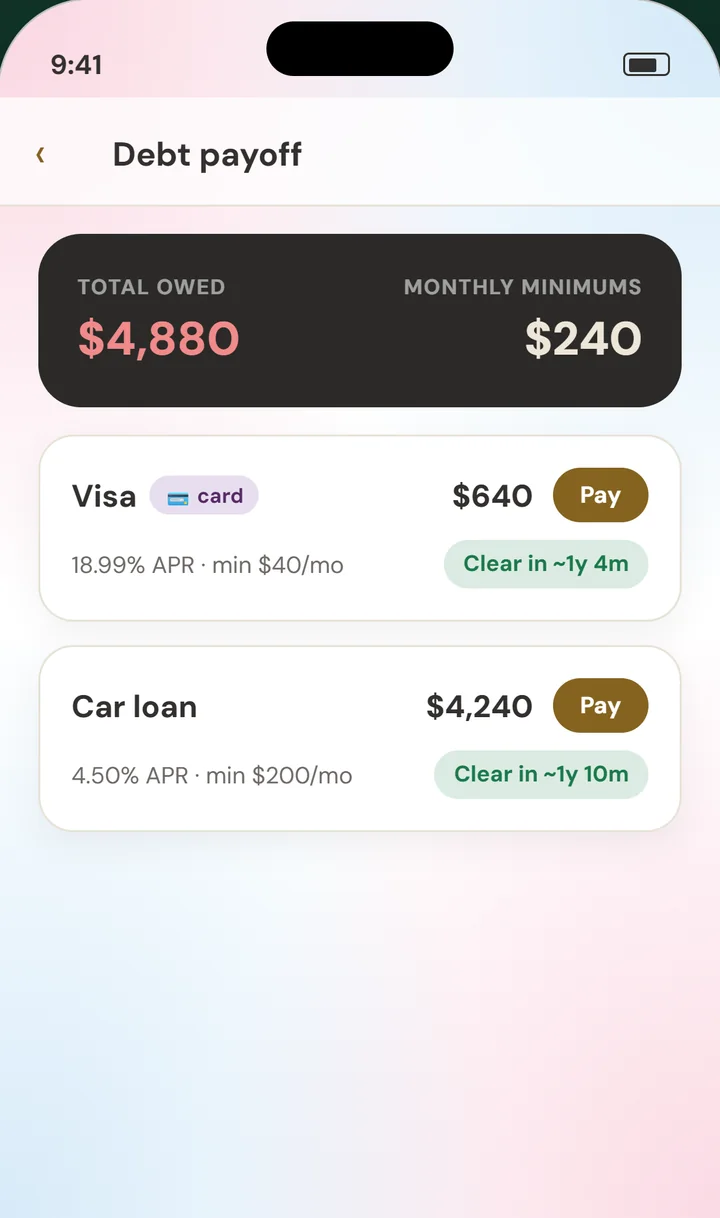
See what you owe, your monthly minimums, and roughly when each balance will be clear.
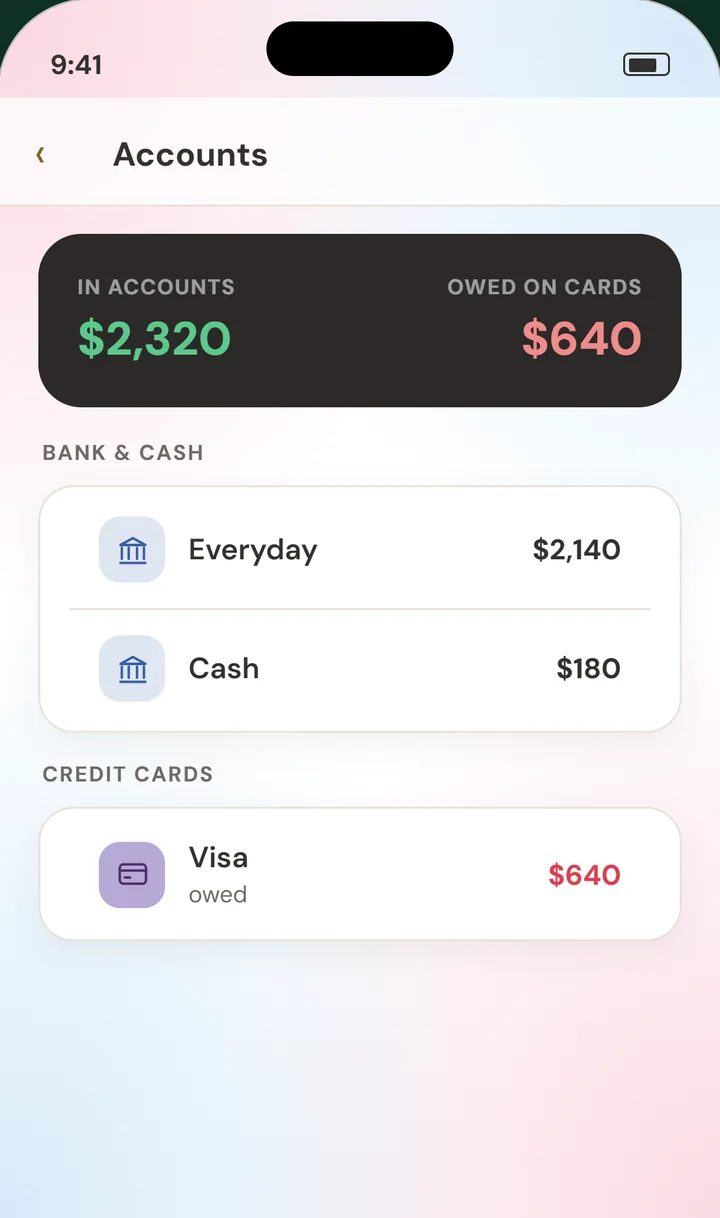
Keep every balance in one place. Move money between accounts or pay down a card with a simple transfer.
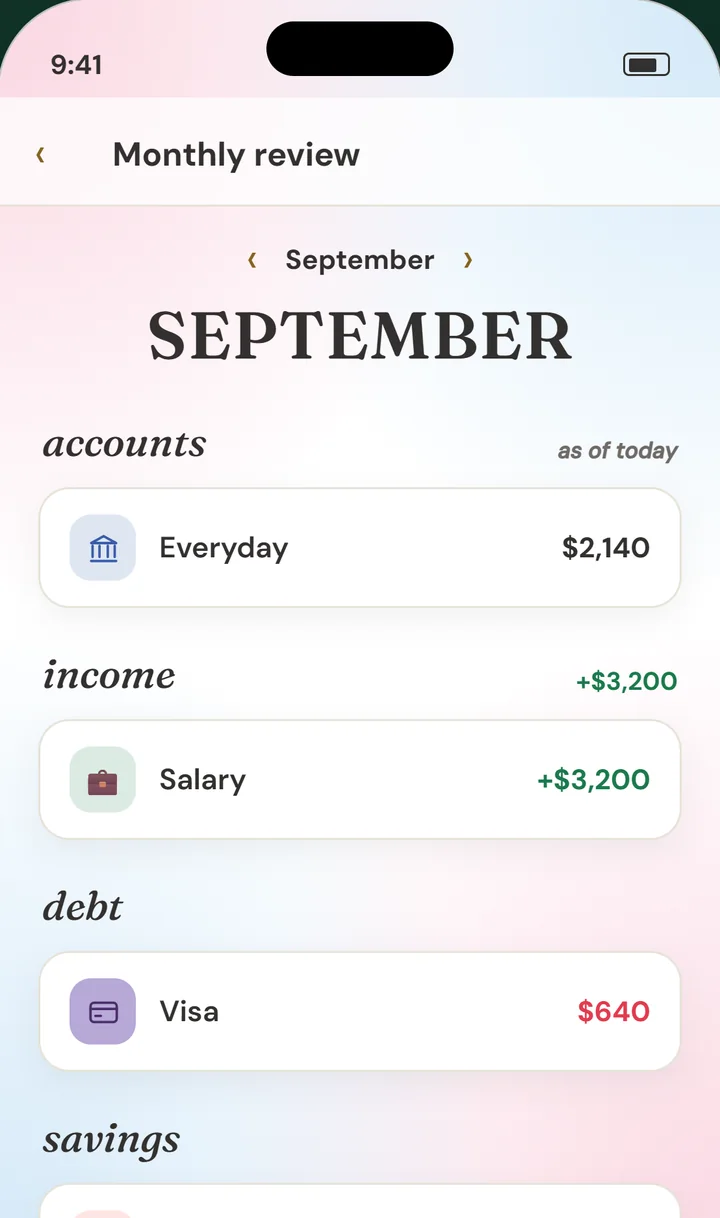
At the end of each month, see your balances, your income, and where it went. No judgment, just a clear picture.
Emergency fund, $1,700 of $2,500. Every little top up moves the ring.

Turn on a reminder and Budget sends a quiet note the day before. It comes from your phone, not a server.
Monthly, weekly, fortnightly, or yearly. Skip one any time, or undo it.
APR and minimums turn into a rough clear date you can watch get closer.
Easy on the eyes at night, bright and clear by day.
Choose the symbol you use. Amounts line up neatly in tidy columns.
A new kind thought on your dashboard every day.
There is no cloud copy of your data, so you are always in charge of it. Save a backup whenever you like and keep it wherever you trust.
No. There is no sign-up and no sign-in. Open the app, add your name and currency, and you are ready.
No. Everything you enter is stored on your phone. Budget has no server to send it to, and it does not use analytics or trackers.
Export a backup on your old phone, save the file somewhere you can reach, then import it on your new phone. Everything comes back as it was.
Yes. Budget works fully offline, all the time.
Yes. Budget is on the App Store for iPhone and on Google Play for Android.
The price is shown on the App Store and Google Play before you download. There are no ads, ever.
Budget is ready on iPhone and Android. No account needed.